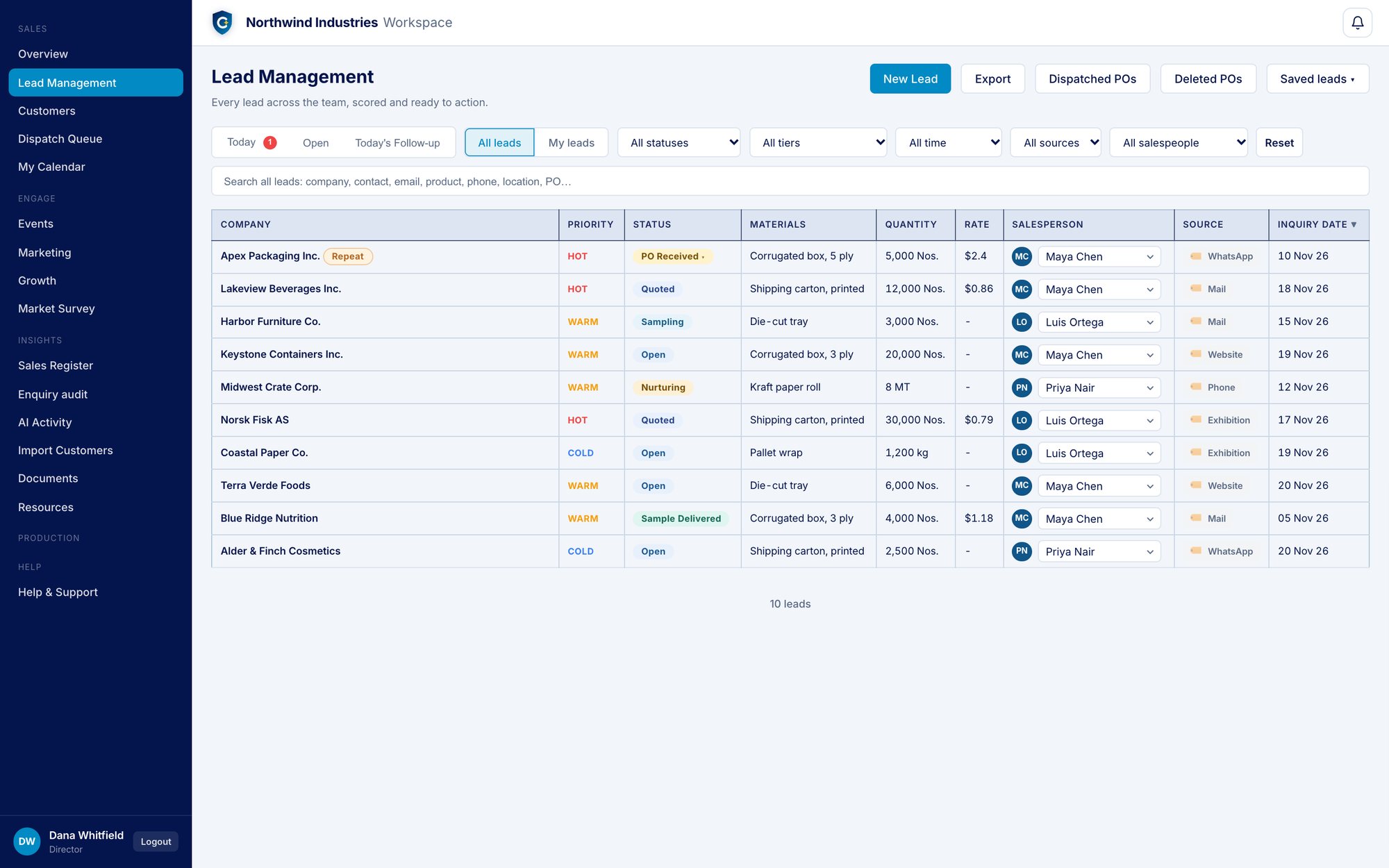
 Take the product tour
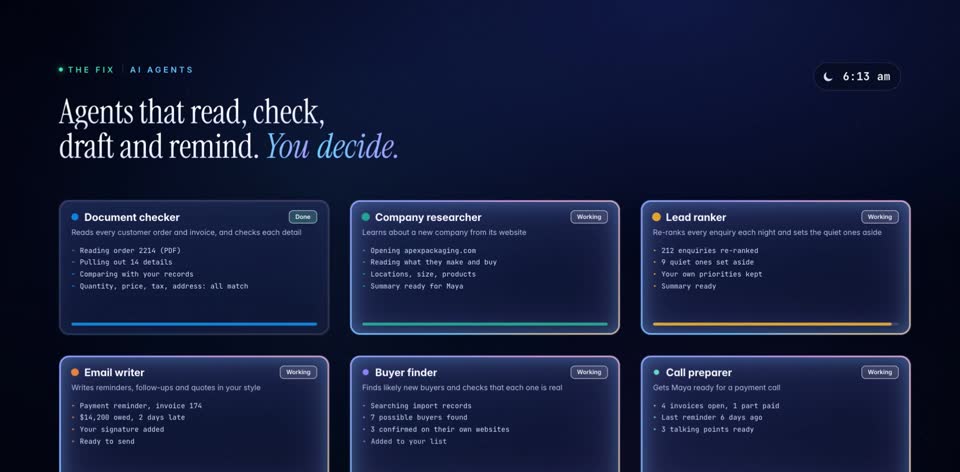 Meet the six agents
Every shipment verified before it leaves.
Dispatch in CIM Workspace takes a purchase order from the sales team through to shipment. The dispatch team works from a plan with order lines and packing, uploads the tax invoice and e-way bill, and marks the shipment Sent. The order's status is derived from its shipments, and an agent verifies each document against the order.
See it in the product tour, step 8 of 12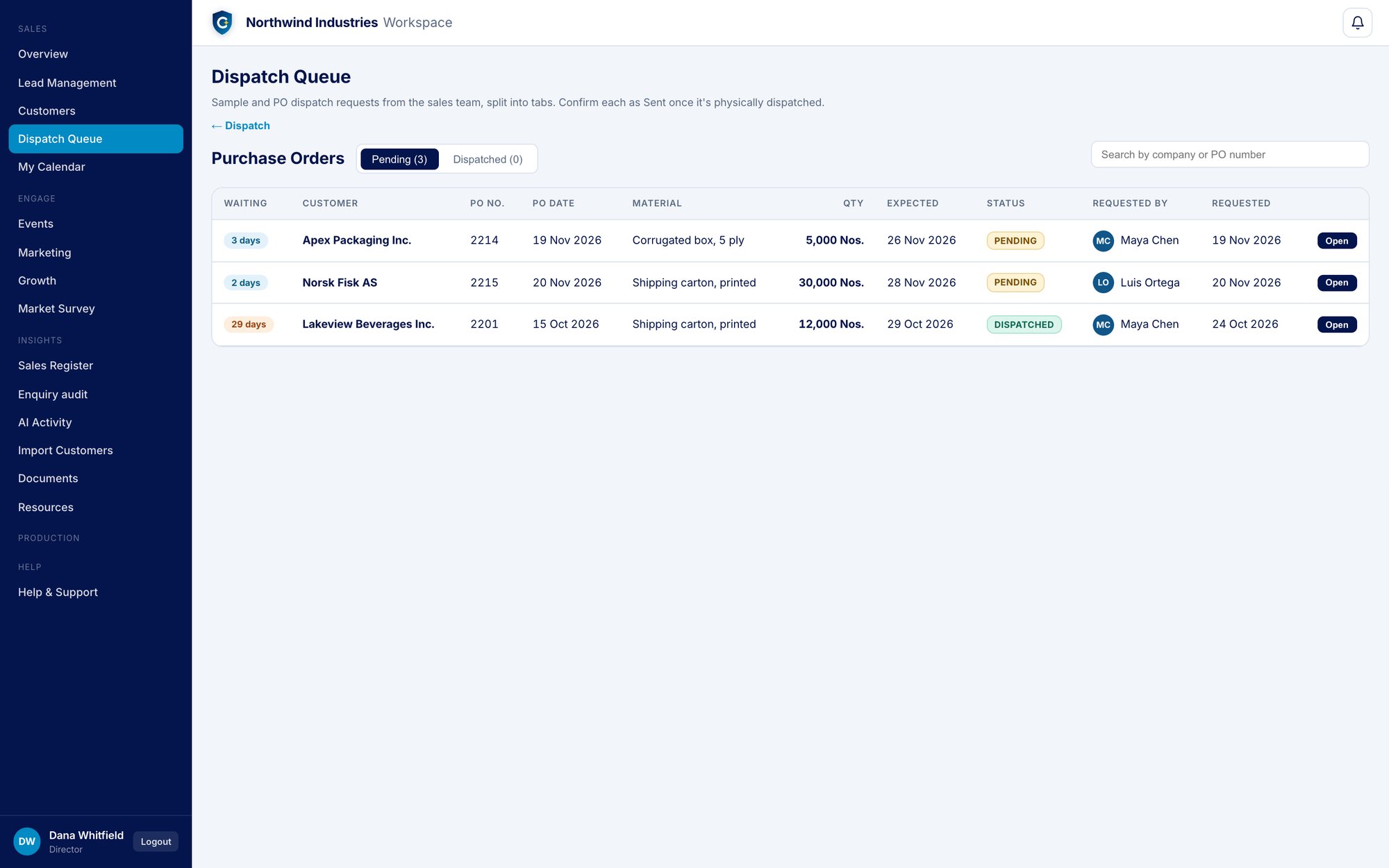
Orders and dispatch, at a glance.
Purchase order capture
Lines, quantities, rates, GST, freight and the order's own payment terms, recorded once on the lead.
A dispatch queue
Samples and purchase orders awaiting shipment, with the time each has been waiting.
Packing that reconciles
Packing rows, such as 200 cartons of 25, must reconcile to the order quantity before a shipment can be marked Sent.
Automated document verification
The customer's PO and your tax invoice are read by a private model and matched against the CRM; a mismatch raises a badge and a notification.
Derived order status
Pending, Partially Dispatched or Dispatched, calculated from the shipments, plus Short Closed when the balance will not ship.
Dispatch advice email
Sent in your company's format with the tax invoice and e-way bill attached, signed by the person who marked it Sent.
Step by step.
- Sales records the purchase order and sends it to dispatch.
- Dispatch edits the plan and its packing; accounts can enter the invoice number and date.
- The tax invoice and e-way bill are uploaded and verified against the order.
- Dispatch marks the shipment Sent and the dispatch email goes out.
- At the first shipment the lead becomes a customer; at the final one it moves to Dispatch Done.
Built for the people who do the work.
- DispatchPlans, packs, uploads documents and marks shipments Sent.
- SalesRecords the order and follows its progress.
- AccountsEnters invoice details before dispatch.
- DirectorSees every order and can reopen a short-closed one.
The rules, exactly.
- Order status is never typed: it is derived from the shipments.
- The customer account is created at the first part dispatch; the lead moves to Dispatch Done when the order ships in full.
- Units can be kg, MT or pieces; pieces count in value totals, never in weight totals.
- Document text is processed in our own private cloud service and never sent to an outside AI service.
- A pending dispatch plan can be shared as a PDF with the dispatch floor.
Asked about orders and dispatch.
What happens if the invoice does not match the order?
The order shows a badge and the team is notified. Nothing changes automatically, and anyone can report a field the model read incorrectly.
Can an order ship in parts?
Yes. Part dispatches, returns and replacements keep the balance accurate, and Short Close writes off what will not ship.
Does it track the vessel at sea?
No. It records each stage, sent and delivered, with the tax invoice and documents attached.
So the next time a buyer requests a price, you respond first.
A 30-minute call: we run one of your real orders through CIM Workspace, from enquiry to payment.