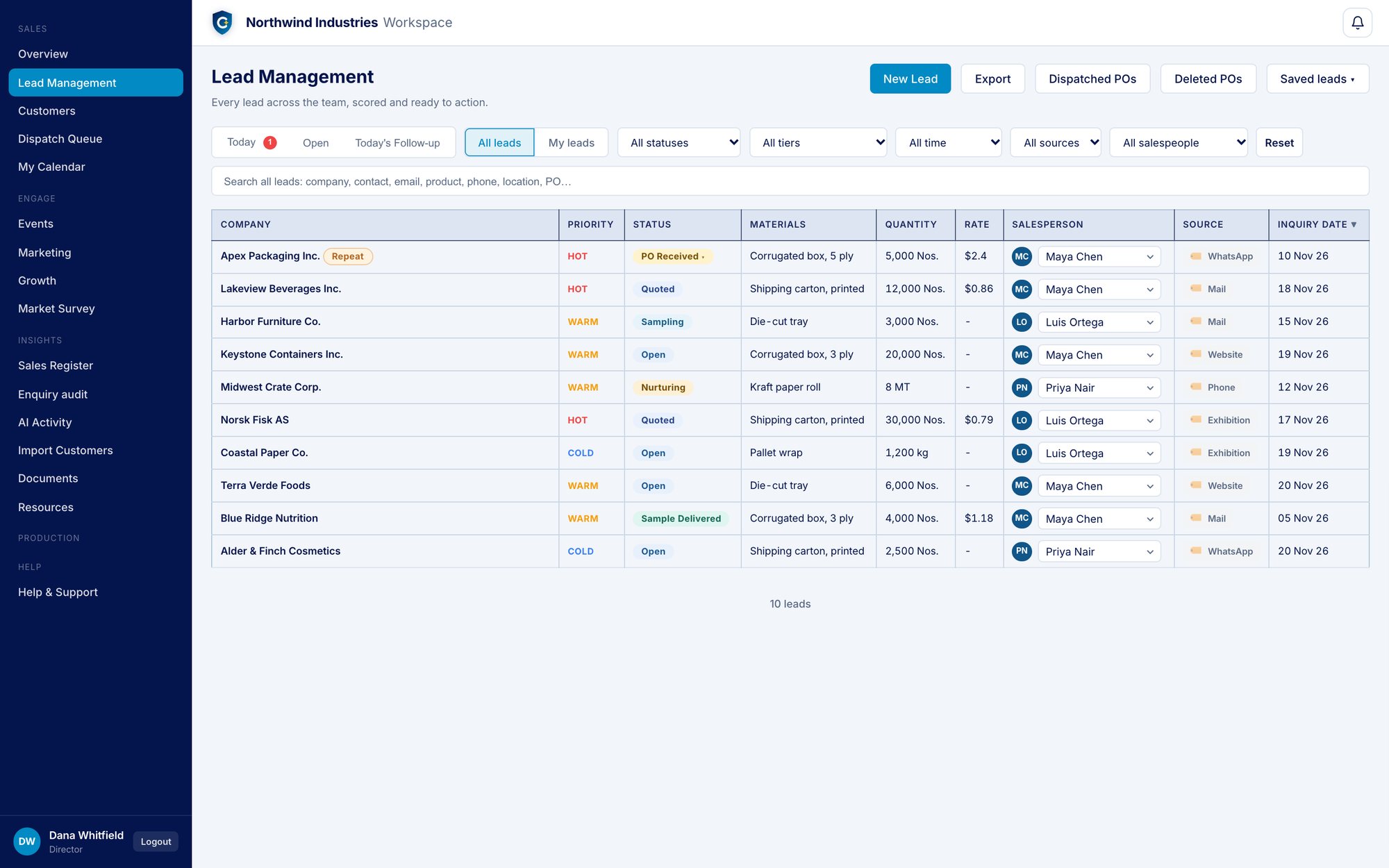
 Take the product tour
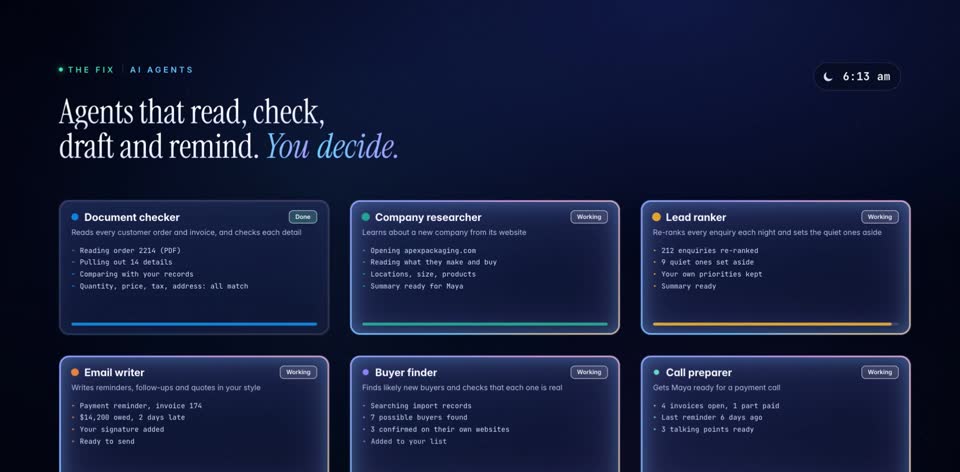 Meet the six agents
Every commitment, on one calendar.
My Calendar in CIM Workspace brings every dated commitment into one view: follow-ups, expected order dispatches, sample feedback, unanswered quotations, payments due and personal reminders. Nothing is entered twice; each item comes from the record it belongs to, and every action opens directly from the calendar.
See it in the product tour, step 6 of 12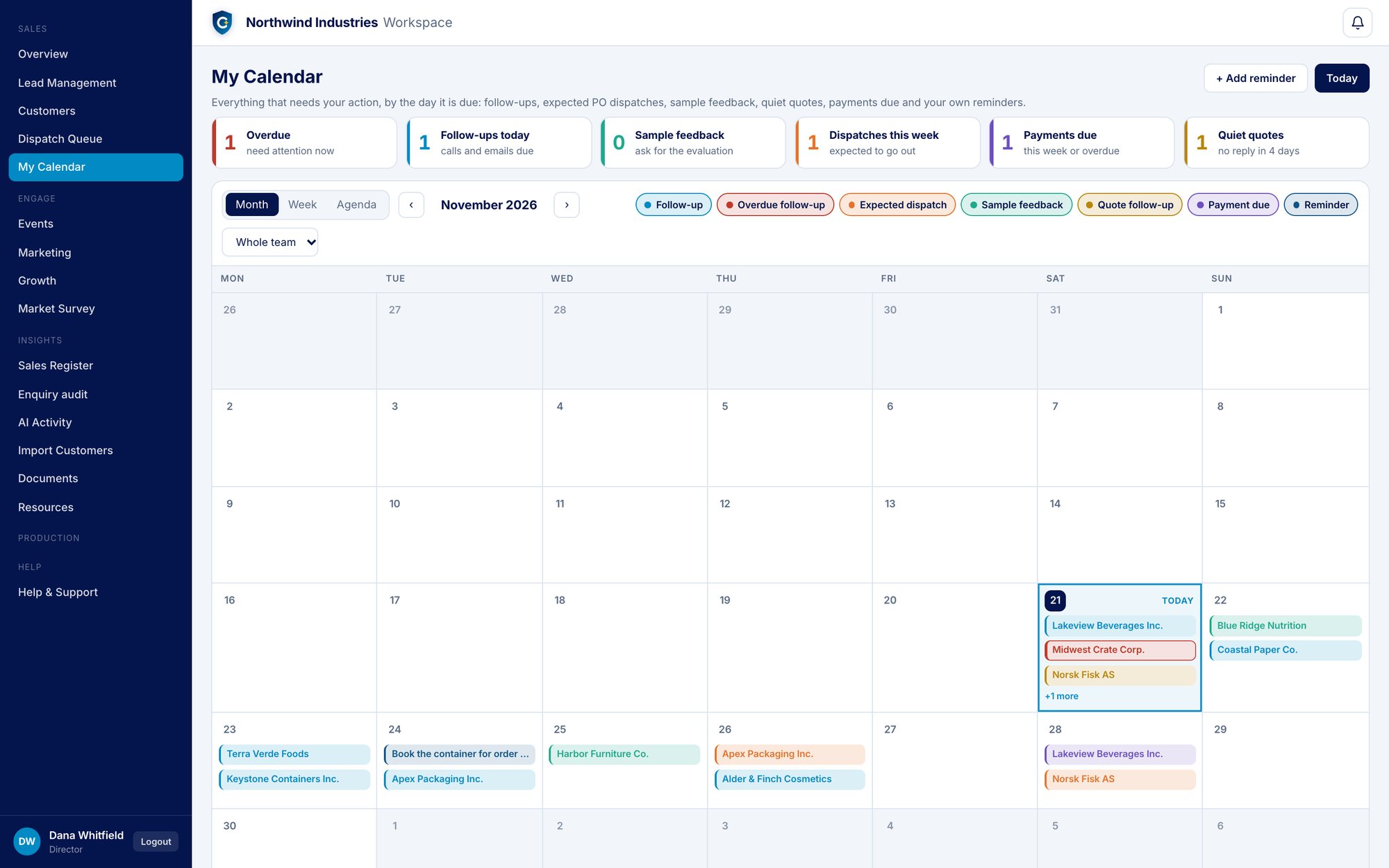
My Calendar, at a glance.
Seven item types
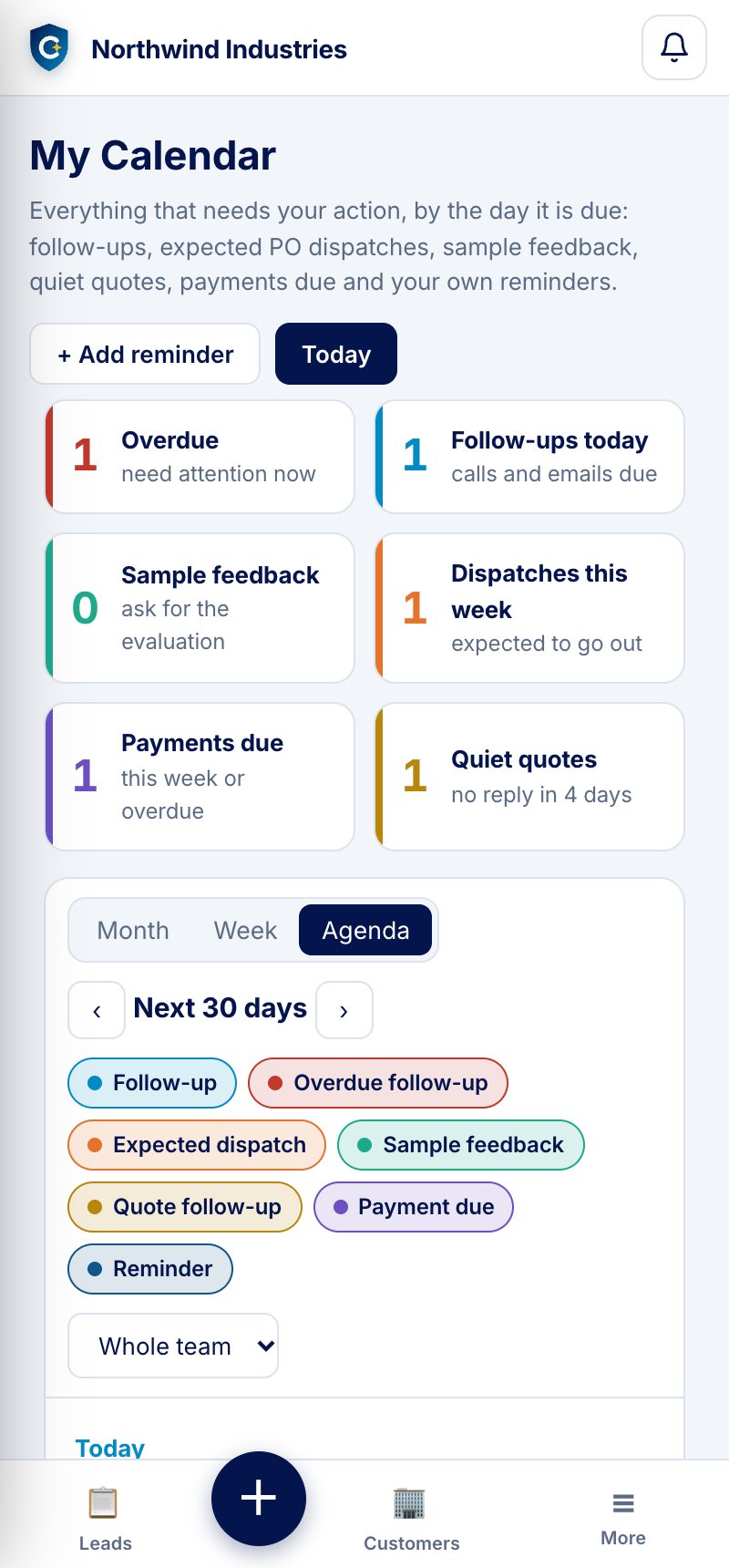
Follow-ups, overdue follow-ups, expected dispatches, sample feedback, quotation follow-ups, payments due and personal reminders.
Act in place
Log a call, mark done, snooze, open the lead or order, record a payment or send a reminder.
Drag to reschedule
Move a follow-up to another day by dragging it.
Month, week or agenda view
With an agenda view designed for mobile.
Team or individual view
The director and Sales Head can filter by person; everyone else sees their own commitments.
Step by step.
- Commitments are added automatically from leads, orders, samples and invoices.
- Open today; overdue follow-ups remain on today until completed.
- Act on each item directly from the calendar.
Built for the people who do the work.
- SalespersonTheir own follow-ups, samples, dispatches, payments and reminders.
- AccountsPayments due across every account, plus their own reminders.
- Director and Sales HeadThe whole team, or one person.
The rules, exactly.
- An unanswered quotation returns after 4 days.
- Sample feedback is due 10 days after the sample ships.
- A payment falls due on the invoice date plus the payment terms.
- The sidebar badge shows today's count.
Asked about my calendar.
Do I need to add follow-ups to the calendar?
No. Follow-ups, dispatch dates, sample feedback, unanswered quotations and payments are added automatically. You add only personal reminders.
Can I see my team's calendar?
The director and Sales Head can see the whole team or filter by one person.
Does it work on mobile?
Yes, with an agenda view designed for small screens.
So the next time a buyer requests a price, you respond first.
A 30-minute call: we run one of your real orders through CIM Workspace, from enquiry to payment.